
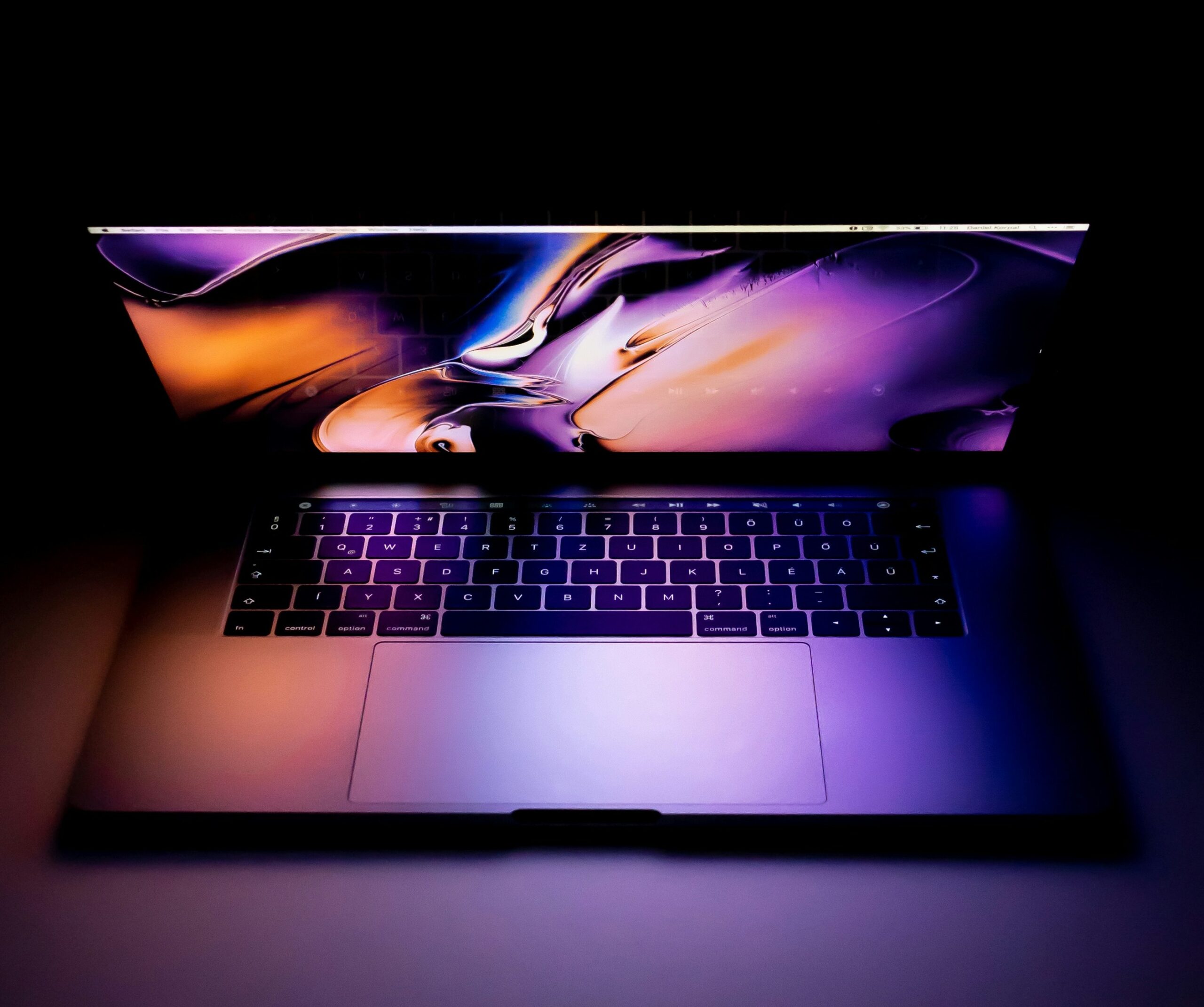
Choosing the perfect laptop has become more challenging than ever. With hundreds of models and dozens of specifications, buyers often get confused about which specs actually matter. Whether you are a student, office worker, programmer, gamer, or video editor, the right specifications can completely change your experience.
This guide explains which laptop specifications are best based on performance, usage, and long-term value. If you are planning to buy a laptop in 2025, this article will help you make the right choice.
1. Why Laptop Specifications Matter
Laptop specifications determine how fast the device works, how smoothly it handles multitasking, how long the battery lasts, and how many years it will stay usable. Most people buy laptops based on brand or price, but the real performance depends on the following specs:
- Processor (CPU)
- RAM
- Storage type (SSD/HDD)
- Display quality
- Graphics card (GPU)
- Battery backup
- Build quality and ports
Let’s break down each one and find out which specification is perfect for your needs.
2. Processor (CPU) – The Most Important Component
The processor is the “brain” of the laptop. A good CPU makes every task faster, from browsing to gaming.
Best CPU Options in 2025:
- Intel 12th, 13th, or 14th Generation
- AMD Ryzen 5000, 7000, and newly released 8000 series
Which CPU Should You Choose?
For Basic Use (browsing, classes, movies):
- Intel Core i3
- AMD Ryzen 3
These are perfect for students or light users who don’t need heavy performance.
For Moderate Use (programming, multitasking, office work):
- Intel Core i5
- AMD Ryzen 5
These processors offer the best balance of performance and price.
For Heavy Use (gaming, editing, rendering):
- Intel i7 or i9
- AMD Ryzen 7 or Ryzen 9
If your work involves 4K editing, 3D modeling, or heavy gaming, you need these high-end processors.
Tip: AMD Ryzen generally offers better multitasking and battery life compared to Intel at the same price.
3. RAM – The Key to Smooth Multitasking
RAM determines how well your laptop handles multiple programs.
Best RAM Options in 2025:
8GB RAM
- Suitable for simple tasks
- Not recommended for programmers or editors
16GB RAM
- Best for office work, programming, and students
- Offers smooth multitasking
- Future-proof for 3–5 years
32GB RAM or more
- Needed only for:
- 4K/8K video editing
- High-end gaming
- 3D animation
Recommendation:
If you want to keep your laptop fast for the long term, 16GB is the best choice.
4. Storage – SSD vs HDD (A Very Important Difference)
Storage affects how fast your laptop starts, loads applications, and copies files.
HDD (Hard Disk Drive)
- Slow and outdated
- Causes lag in modern laptops
- Not recommended except for backup storage
SSD (Solid State Drive)
- Much faster than HDD
- Windows boots in seconds
- Apps open immediately
- No noise, less power consumption
Ideal Storage Size
- 512GB SSD → Best overall
- 256GB SSD → Budget option but fills up quickly
- 1TB SSD → If you store many files or videos
Best Choice:
→ 512GB SSD (NVMe) is the best combination of speed and space.
5. Display – Important for Eyes and Work Quality
A good display is important whether you study, code, design, or watch movies.
Important Display Specs:
Resolution
- Full HD (1920 × 1080) → minimum standard
- 2K / 4K → for editing or high-end work
Panel Type
- IPS → Best colour accuracy, wide viewing angles
- TN → Cheap but poor colour quality
- OLED → Excellent, but expensive; best for creative work
Size
- 14 inch → Portable and lightweight
- 15.6 inch → Best for working, editing, and entertainment
For designers and editors
Choose 100% sRGB or higher colour accuracy.
6. Graphics Card (GPU)
A graphics card is needed only for specific tasks.
Integrated Graphics (Intel Iris Xe / AMD Radeon)
Good for:
- Students
- Programmers
- Regular office work
- Basic editing
- Watching movies
Dedicated Graphics (NVIDIA / AMD Radeon GPUs)
Needed for:
- Gaming
- Video editing
- Animation
- 3D modeling
- Rendering
Best GPU Options in 2025
- NVIDIA GTX 1650 (entry-level)
- RTX 2050 / RTX 3050 (mid-range)
- RTX 4060 / 4070 (high-end)
If you are not a gamer or editor, you don’t need a GPU.
7. Battery Life – Important for Students & Professionals
Battery life varies based on the type of laptop.
Good Battery Life Estimates:
- 6–8 hours → Standard usage
- 10+ hours → Best for students or travelers
- 3–5 hours → Gaming laptops (normal)
Gaming laptops have poor battery backup because they run powerful hardware.
8. Build Quality, Ports, and Extra Features
These may look minor but are very useful:
Useful Features:
- Backlit keyboard
- Fingerprint reader
- Metal body (strong and durable)
- USB-C charging
- HDMI port
- SD card slot
- Wi-Fi 6 and Bluetooth 5
A strong build helps your laptop last longer without damage.
9. Best Laptop Specifications for Every User (Quick Guide)
| User Type | Recommended Specifications |
|---|---|
| Basic Use | i3/Ryzen 3, 8GB RAM, 256–512GB SSD |
| Students | i5/Ryzen 5, 16GB RAM, 512GB SSD |
| Office Users | i5/Ryzen 5, 16GB RAM, IPS display |
| Programming | i5/Ryzen 5, 16GB RAM, FHD IPS |
| Video Editing | i7/Ryzen 7, 16–32GB RAM, RTX GPU |
| Gaming | i7/Ryzen 7, 16GB RAM, RTX 3050+ |
| Designing | i5/i7 or Ryzen 5/7, IPS/OLED, 100% sRGB |
10. Final Verdict: Which Specification Is Best Overall?
If you want a laptop that is fast, smooth, future-proof, and perfect for almost every task, the best balanced specification is:
Best Overall Laptop Specs in 2025
- Processor: Intel i5 (12th gen or newer) / AMD Ryzen 5 (5000 or newer)
- RAM: 16GB
- Storage: 512GB SSD
- Display: 15.6” Full HD IPS
- Battery: Minimum 6–8 hours
- Graphics: Integrated or RTX 2050 (optional)
This configuration gives excellent performance for work, study, entertainment, light gaming, programming, and multitasking.